Test and tag register template (free CSV) and how to fill it in
Download a free test and tag register template in CSV. What each column means, the extra columns worth adding, and how to stop Excel breaking your tag numbers.
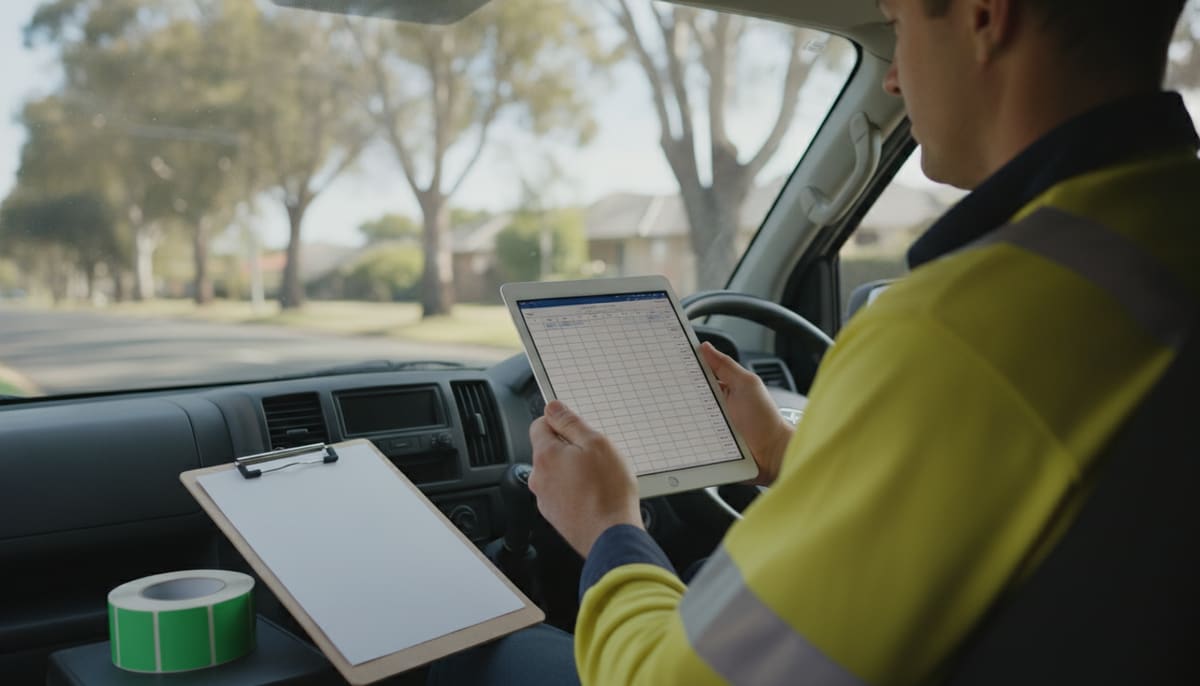
Our free test and tag register template is a CSV file with 14 columns: client, site, location, asset code, description, make, model, serial number, equipment class, last test date, result, tested by, next due date and notes. Download the test and tag register template. There's no sign-up and no email address needed. It opens in Excel, Google Sheets or Numbers, and it imports straight into Koalaris if you move to software later.
This guide explains what goes in each column, which columns the law actually cares about, the extra columns worth adding, and the spreadsheet traps that quietly break a register.
General information only, not legal advice. Record-keeping rules differ by state, territory and industry. Check the WHS or electrical safety regulation where you work, AS/NZS 3760 and any client or contract requirements.
What the template must cover by law
In the states and territories that use the model WHS Regulations, a record of testing must show who did the test, the date, the outcome and when the next test is due (SafeWork SA). The record can be the tag itself, or a logbook, register or database.
In the template, those four details are:
| Legal detail | Template column |
|---|---|
| Name of the person who tested | Tested by |
| Date of the test | Last test date |
| Outcome of the test | Result |
| Date the next test is due | Next due date |
Everything else in the template is there because it makes the register usable: you can find the item, prove which item was tested and send the client something they understand. Queensland and Victoria handle records differently. Our guide to test and tag records and what to keep covers the state differences and how long to keep each record.
The 14 columns, one by one
Client. The business that owns or controls the equipment. Keep the spelling identical on every row. "Example Pty Ltd" and "Example P/L" look like two clients to a spreadsheet filter.
Site. The address or site name, such as "Head office" or "Warehouse 2". A client with three sites has three site names, not one.
Location. Where the item lives on the site: kitchen, workshop, level 2 meeting room. This is the column that saves you twenty minutes hunting for a kettle on the next visit.
Asset code. The number on the tag. It has to match the tag exactly, or nobody can show which item a row refers to. The example row uses AK-TT-00001. Any scheme works, as long as each number is used once.
Description. What the item is, in words a client would use: "Kettle 1.7L", "Drill, cordless charger", "Extension lead 10 m".
Make, model and serial number. Optional on day one, but they're what tell two identical kettles apart. They're all on the item's rating plate.
Equipment class. Class I, Class II, cord set, RCD and so on. It decides which tests apply, so pick one way of writing each and stick to it.
Last test date. The date of the most recent test. The template uses year-month-day (2026-10-01), which can't be misread as American or Australian order.
Result. Pass or fail. Use the same two words on every row so you can filter and count them.
Tested by. The name of the competent person who did the test. Initials only make sense to you.
Next due date. The last test date plus the retest interval for that item and environment. Our test and tag frequency guide covers how intervals are set. In Excel or Google Sheets, =EDATE(J2,12) adds 12 months to the date in cell J2; change 12 to 3, 6 or 24 to suit the interval.
Notes. Anything that doesn't fit elsewhere: "lead replaced", "client to remove from service", "tested in place, too heavy to move".
Columns worth adding
The template keeps to the columns most operators use. These are common additions. None of them is a legal requirement under the model regulations, but each answers a question clients and auditors do ask.
- Readings. Earth continuity, insulation resistance or leakage current, in their own columns with the unit in the header (for example, "Insulation resistance (MΩ)").
- Test instrument. The tester's make, model or serial number, and its calibration due date, so you can show which results came from which instrument.
- Retest interval. The interval in months, so the next due date can be checked and the reason for a short interval isn't lost.
- Failure and action. For a failed item: the fault, and whether it was repaired, replaced or disposed of, and by whom. Our guide to failed test and tag items covers what to record.
Add new columns to the right of the existing ones and give each one a plain header. Don't merge cells, and keep one header row at the top.
Keeping history, not just the latest test
A register that holds one row per item, updated in place, only ever knows the latest result. Each time you overwrite a row, last year's test disappears. That still meets the legal minimum in most states, but it means you can't show an item's history after an incident or a dispute.
Two simple ways to keep it in a spreadsheet:
- One row per test. Add a new row for each test, with the same asset code. Sort by asset code and date to see an item's history.
- One saved copy per visit. After each visit, save the file with the date in the name and start the next visit from a copy. Never edit an old copy.
The first is easier to search. The second is easier to keep tidy. Pick one and use it for every client.
Three spreadsheet traps that break registers
Excel drops the leading zeros
Asset codes like 000412 can turn into 412 the moment the file is opened, because Excel reads them as numbers. Microsoft's own fix is to bring the CSV in through Data > From Text/CSV and set that column to Text before loading it (Microsoft Support). Codes with letters in them, like the template's AK-TT-00001, avoid the problem. In Google Sheets, select the column and choose Format > Number > Plain text before you type codes in.
Dates change format when you save
Excel shows dates in your computer's regional format and may save them that way in a CSV. If one client's file ends up with 01/10/2026 and another with 2026-10-01, a filter or import can read them differently. Pick one format for every file. Our guide to cleaning equipment data before you import it has a step-by-step fix for mixed dates.
More than one copy of the truth
Emailing the register to a technician and getting an edited copy back is how a business ends up with register_FINAL_v7.xlsx. Keep one master file per client in one place, and have everyone work from it.
Using the template with Koalaris
The template imports straight into Koalaris, so when you're ready to stop managing files you can bring it across as it is. Lyra AI reads your column names, even odd ones like "Tag #", and matches them to the register's fields, including readings, results and due dates. You review every match before anything is imported. The two-minute import tutorial shows how, and our guide to moving a test and tag register off spreadsheets covers the switch step by step.
From then on, results go into the field app on your phone, even offline, and the next due date, the tag and the certificate come from the same record. You can export the register back to Excel or CSV whenever you like. Every business starts on the Free plan, with unlimited items, clients and sites, no card and no end date.
Frequently asked questions
Is a spreadsheet register acceptable for test and tag?
Yes. The model WHS Regulations allow a record to be kept as a tag, logbook, register or computerised database, as long as it shows who tested, the date, the outcome and the next due date. Victoria and Queensland have their own rules, so check the regulator where you work.
Why CSV and not Excel?
A CSV file opens in Excel, Google Sheets, Numbers and nearly every piece of test and tag software, so it's the easiest format to move between tools. Once you open it in Excel, you can save it as .xlsx if you prefer and add formulas or formatting.
Do I need a separate register for each client?
It isn't a legal requirement, but one file per client is easier to send to the client, easier to check and simpler to import later. Use the Client and Site columns either way.
What should I put in the Result column for a visual fail?
"Fail", the same as any other failed test, with the reason in Notes (for example, "damaged cord near plug"). An item that fails the visual inspection doesn't go on to the electrical tests.
Can I add my own columns to the template?
Yes. Add them to the right of the existing columns, with one plain header each. Readings, the test instrument, the retest interval and the action taken on failed items are the most useful additions.

Koalaris is test and tag software built in Australia. See what it does.
Keep reading
 Guides
Test and tag for events and markets: a guide for operators
Test and tag for events and markets: what organisers and councils ask stallholders for, AS/NZS 3002, leads and RCDs, and how operators run event-day testing.
 Guides
Changing test and tag software without losing your history
Changing test and tag software? When to switch in the retest cycle, how to keep your tags, asset numbers and old certificates, and what to tell your clients.
 How-to
How to export results from your PAT tester: Megger, Fluke, Kewtech, Seaward and Metrel
Export test results from Megger, Fluke, Kewtech, Seaward and Metrel PAT testers and their software into a spreadsheet, then import them without retyping.
See your register the way Lyra sees it.
Start free, for as long as you like. No card needed.