One system, from the plug to the portal.
Register, test, certify, invoice and share it with your client. Everything a test and tag or assistive technology business runs on, in one place.
One workflow, from the first test to the client's portal.
Every item, every site.
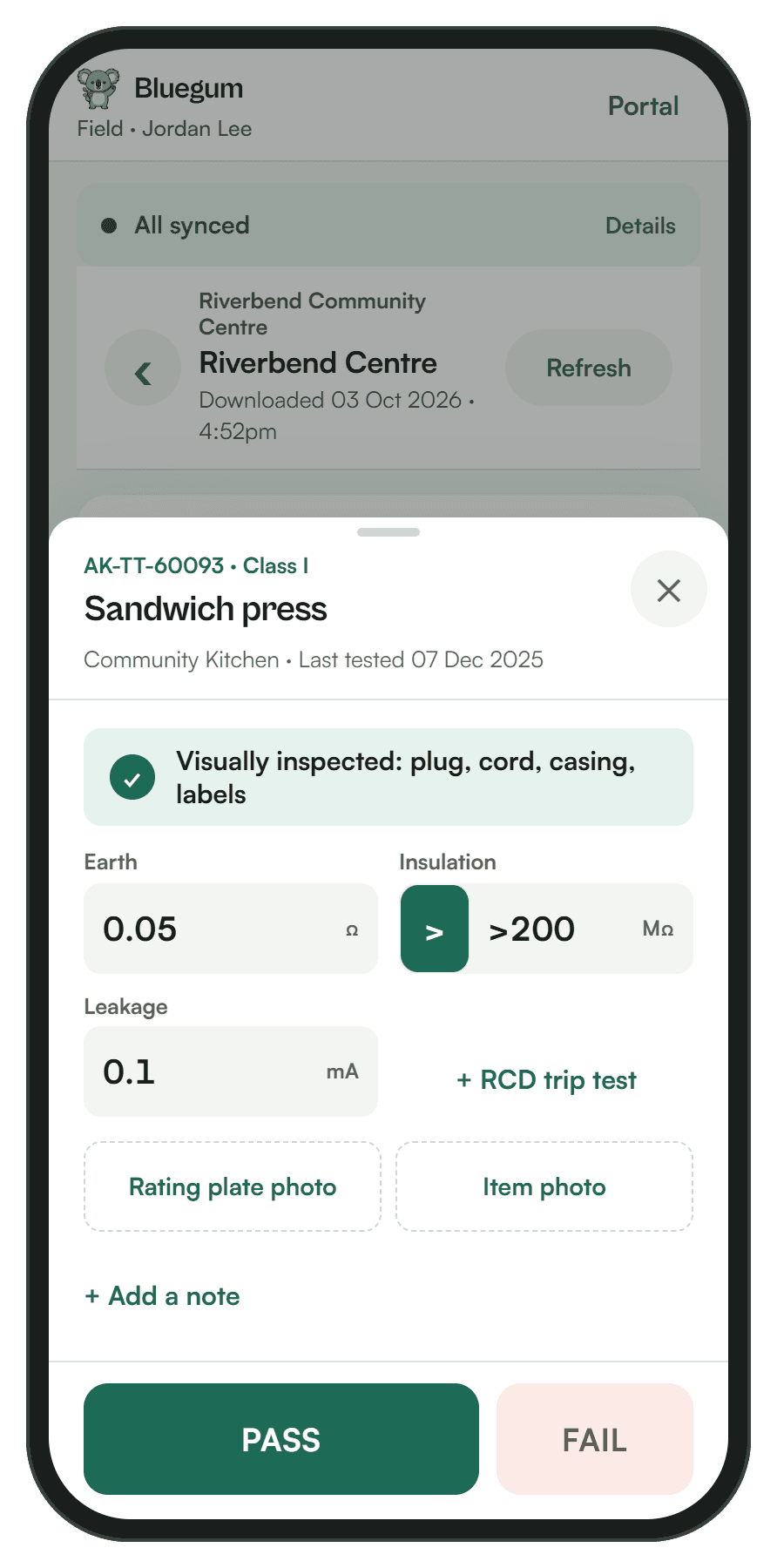
PASS or FAIL on site, even offline.
Certificates from the results.
Invoices from the visit.
Their own read-only portal.
Lyra AI sits under every step: it prefills, matches, drafts and answers. People make the calls.
One live register for every client.
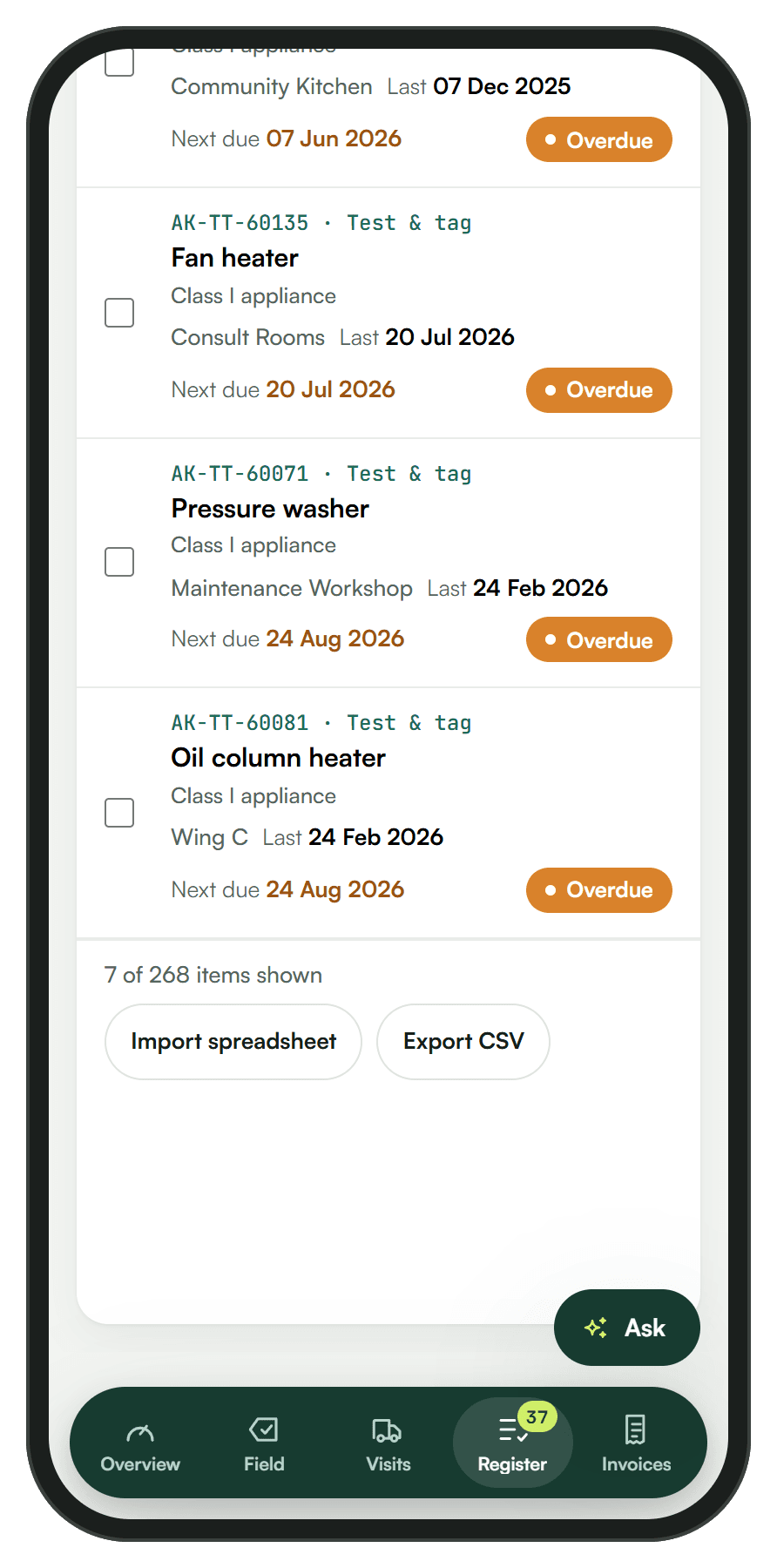
Every item with its asset code, location, test history and next due date. Updated the moment a test is saved, so it never goes stale.
Search, filter and open any item with its full history.
Log a test in under 10 seconds. No signal, no problem.
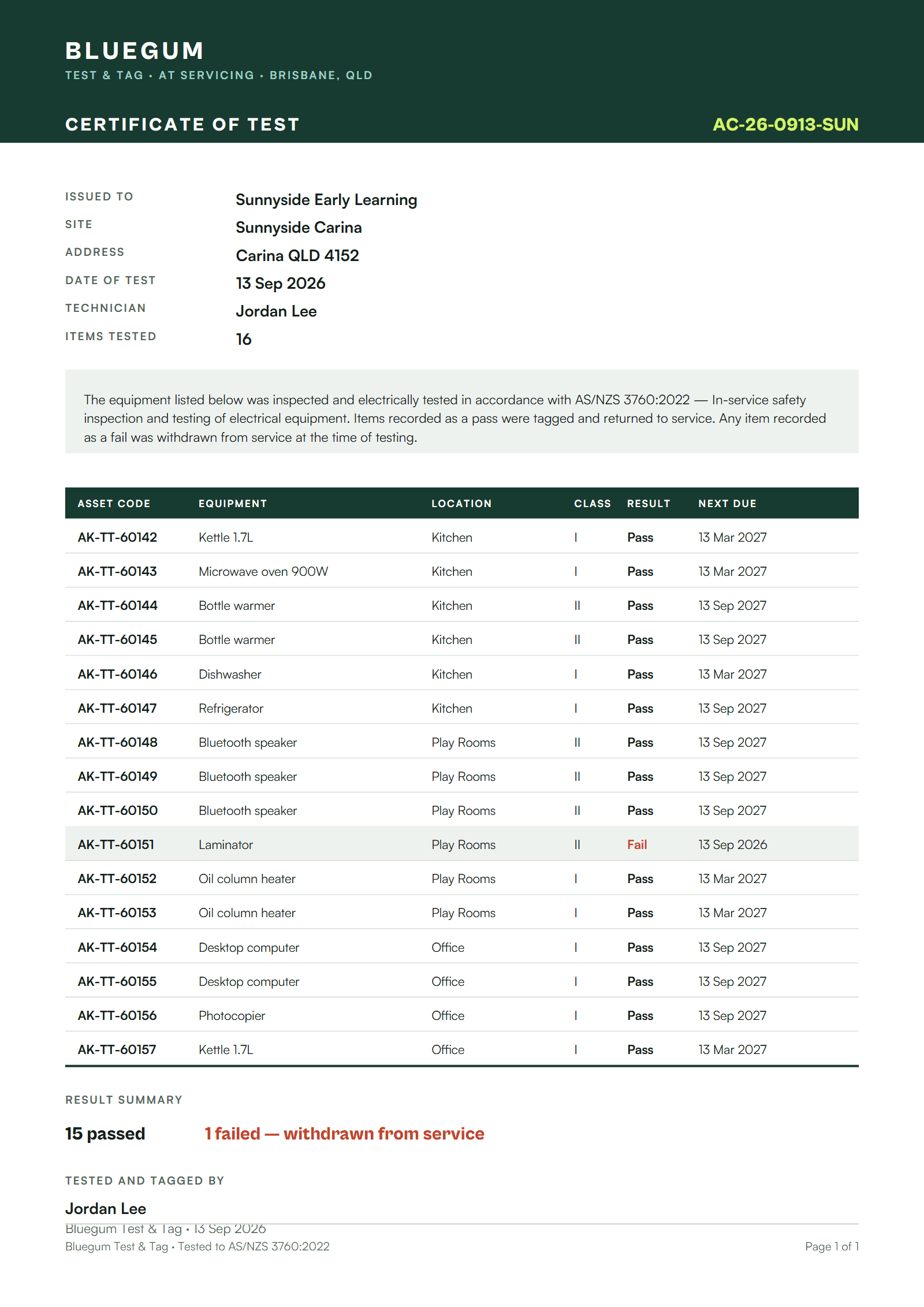
Certificates straight from the results.
Finish a visit and the certificate is built from what was recorded. Lyra AI drafts the service report from your notes, and nothing reaches your client until you approve it.
From finished visit to paid invoice.
Invoices start from the work you already recorded, so you never retype a job. Issue it, email it as a branded PDF and watch it mark itself paid.
The real invoices screen in our demo business: overdue, paid, a draft, then the PDF.
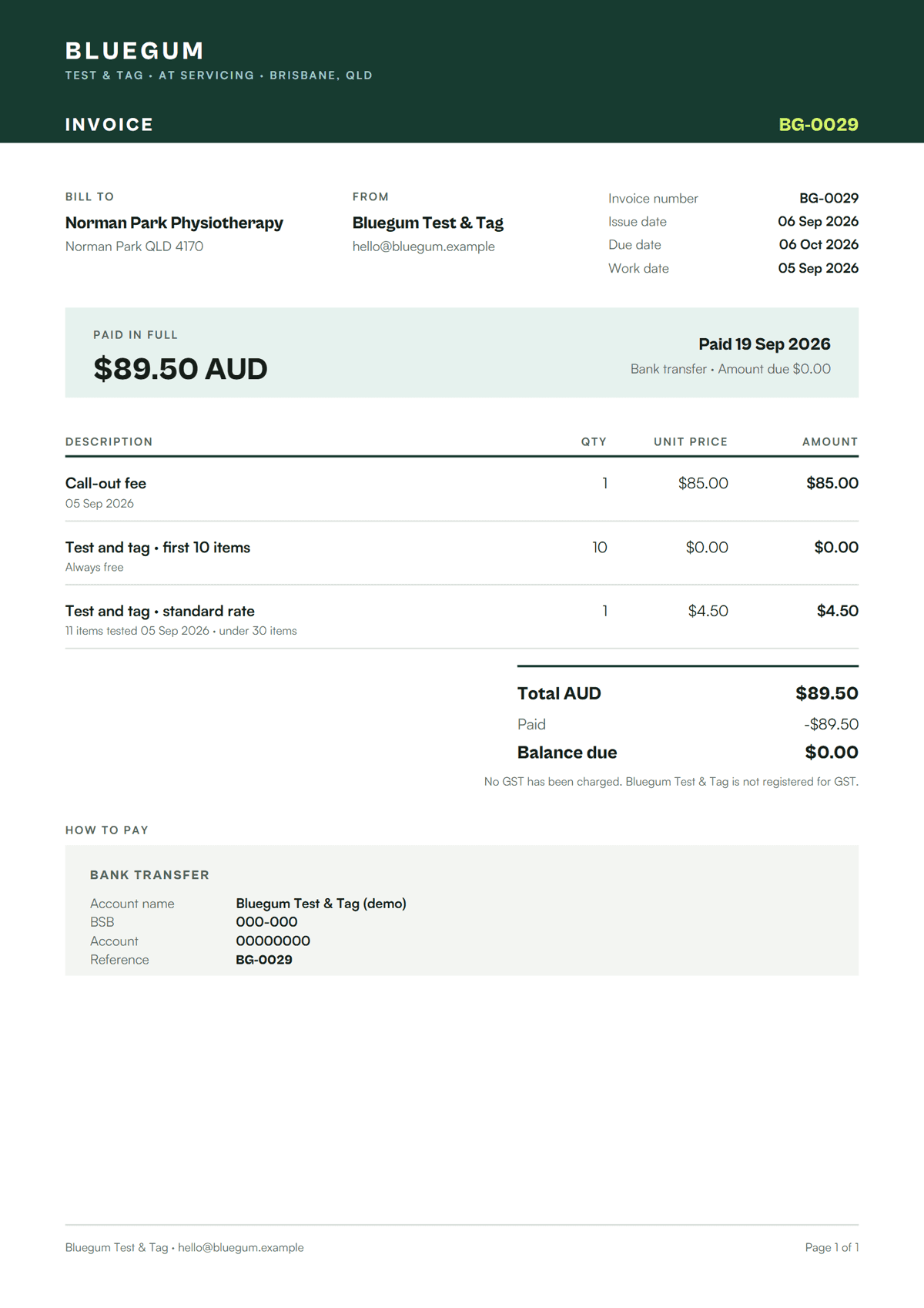 Sample PDF
Get paid before you leave the site.
Finish the job, show your client a QR code and they pay on their own phone. No card machine, no chasing.
Optional Xero sync. Payments go straight to your own Stripe account.
Sample screens from the demo business.
Give your clients a window into their own compliance.
Read-only. Never shows your prices. Client logins are free.
Signed in as a client: compliance overview, register, certificates. No prices, no invoices.
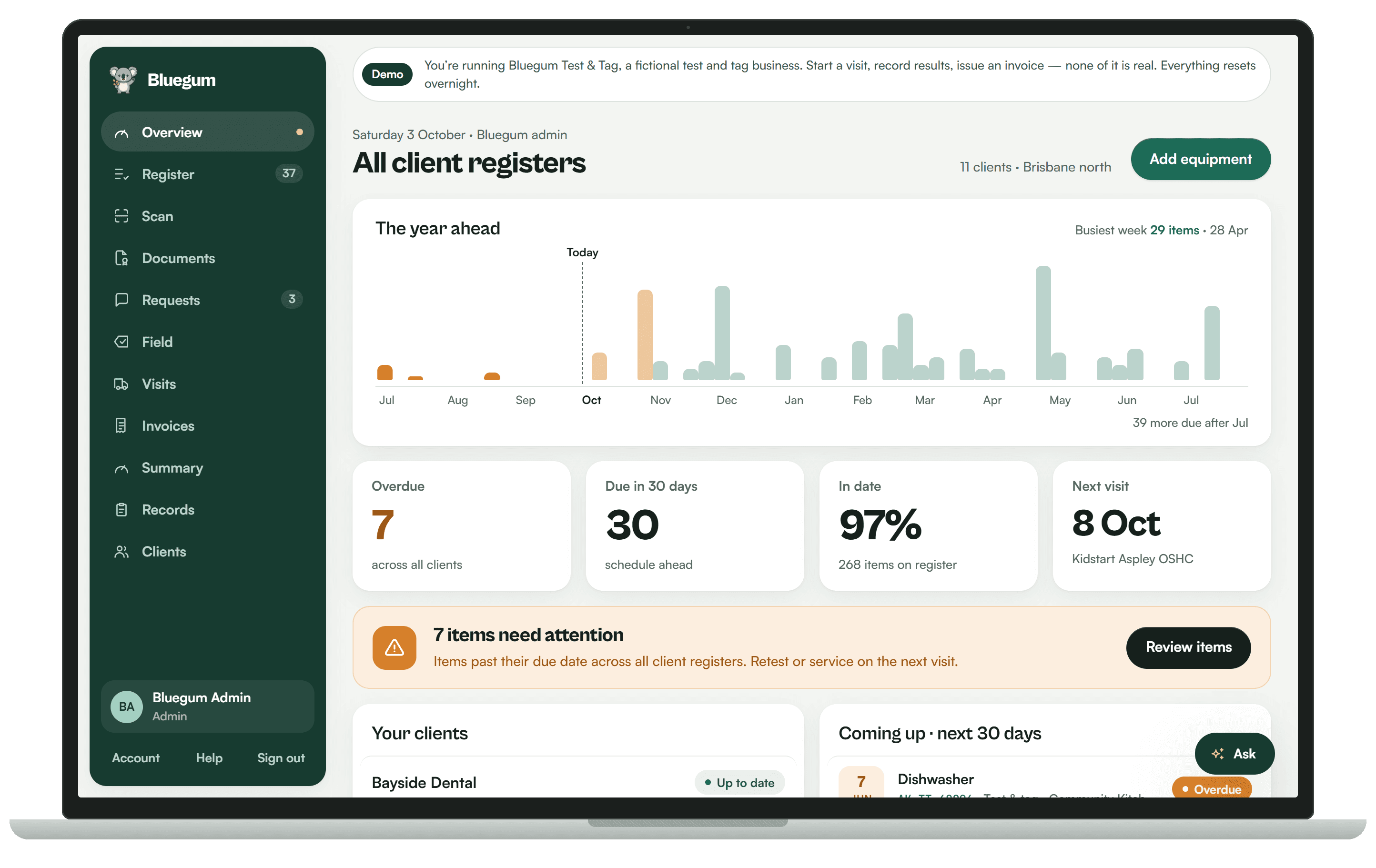
See the year ahead across every client.
Overdue, due soon and in date at a glance, with a chart of what's coming up so you can plan visits weeks ahead. Every number is calculated by Koalaris.
Your data stays with the people it belongs to.
Each business sees only its own data.
Every record is scoped to the business it belongs to.
Clients see only their own equipment.
A client login shows that client's register and documents, nothing else.
Lyra answers only from what you can see.
Lyra AI works from what the person asking is allowed to see.
Data hosted in Sydney.
Your data is stored in Australia.

See your register the way Lyra sees it.
Start a 14-day free trial of Pro. No card needed.