Getting paid · Beginner
Invoices: bill a visit, send it and get paid
How invoicing works in Koalaris: turn a visit into an invoice from your price list, email it as a branded PDF, chase what's overdue and record payments.
How it works
Invoicing in Koalaris starts from the work you have already recorded, so you never retype a job.
- Finish a visit. Every test you log is already on the visit.
- Bill it. Choose New invoice and bill the visit, or bill recorded work for a date range. Koalaris builds the lines from your price list: call-out fee, per-item test and tag rates, AT labour and so on.
- Check the draft. Edit any line, add a part, another charge or a discount, and add a note. Drafts aren't numbered or sent until you say so.
- Issue it. Issue and send numbers the invoice and emails it to the client as a PDF. Issue without sending numbers it so you can send it yourself.
- Get paid. Record a payment (bank transfer, cash, card) or take a card payment on the spot by QR code. The invoice marks itself paid when the payments cover it.
What you can do
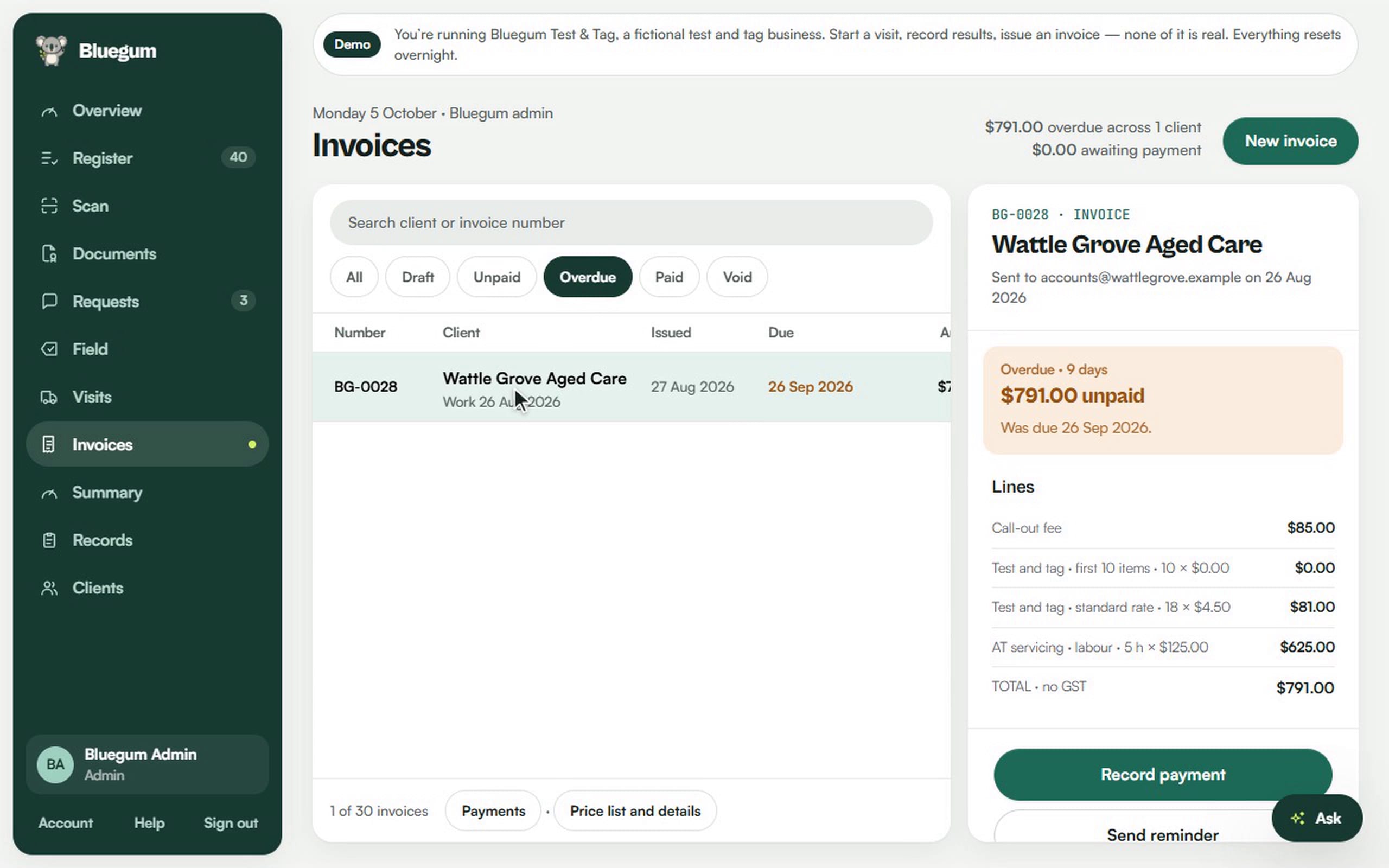
- See what you're owed at a glance. The top of the page shows how much is overdue and how much is awaiting payment.
- Filter by status: all, draft, unpaid, overdue, paid or void.
- Open any invoice to see its lines, total and payments in the side panel.
- Send a reminder for an overdue invoice in one click.
- Record part payments. The balance updates as payments come in, and an overpayment is refused.
- Take card payments by QR code. The client pays by card, Apple Pay or Google Pay, and a paid receipt is emailed.
- Void an invoice with a reason, so the record stays complete.
- Preview or download the PDF at any time.
- Bill NDIS-funded work. Add the participant's NDIS number and the client's ABN to the invoice.
- Use your own branding. Your business name, logo, contact details and bank details print on every invoice.
- Sync to Xero (optional), so invoices and payments flow into your accounts.
Clients never see your prices or invoices in their portal. Invoices go to the email address you choose.
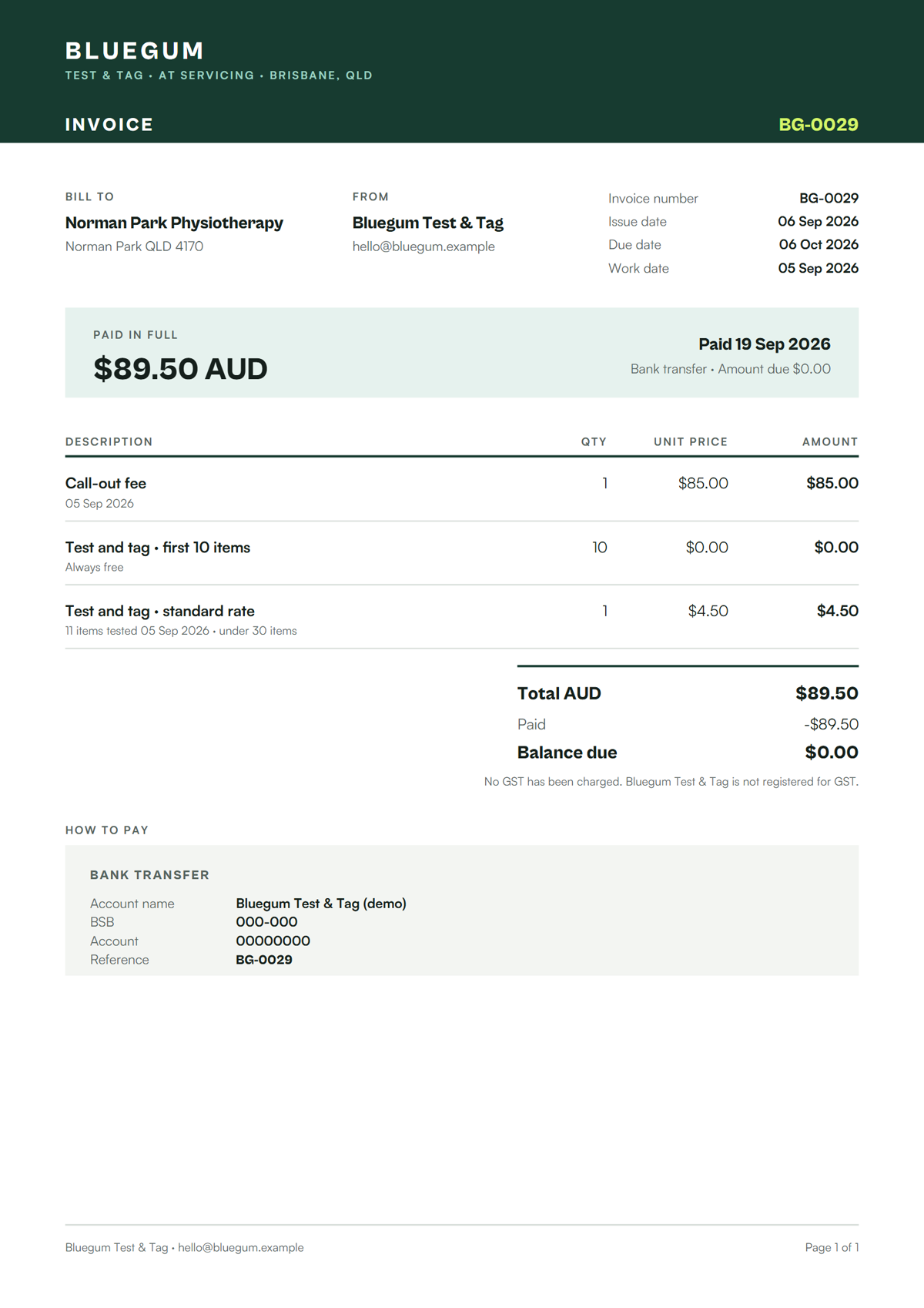
Sample invoice PDF
This is a real invoice from our demo business, Bluegum Test & Tag. The business, client and bank details are fictional.
Download the sample invoice (PDF)
Set it up once
Open Invoices → Price list and details to set your prices, payment terms, bank details and logo. Connect card payments and Xero from Invoices → Integrations (admins only).

See your register the way Lyra sees it.
Start a 14-day free trial of Pro. No card needed.