Your clients · Beginner
For your clients: report a fault from their phone
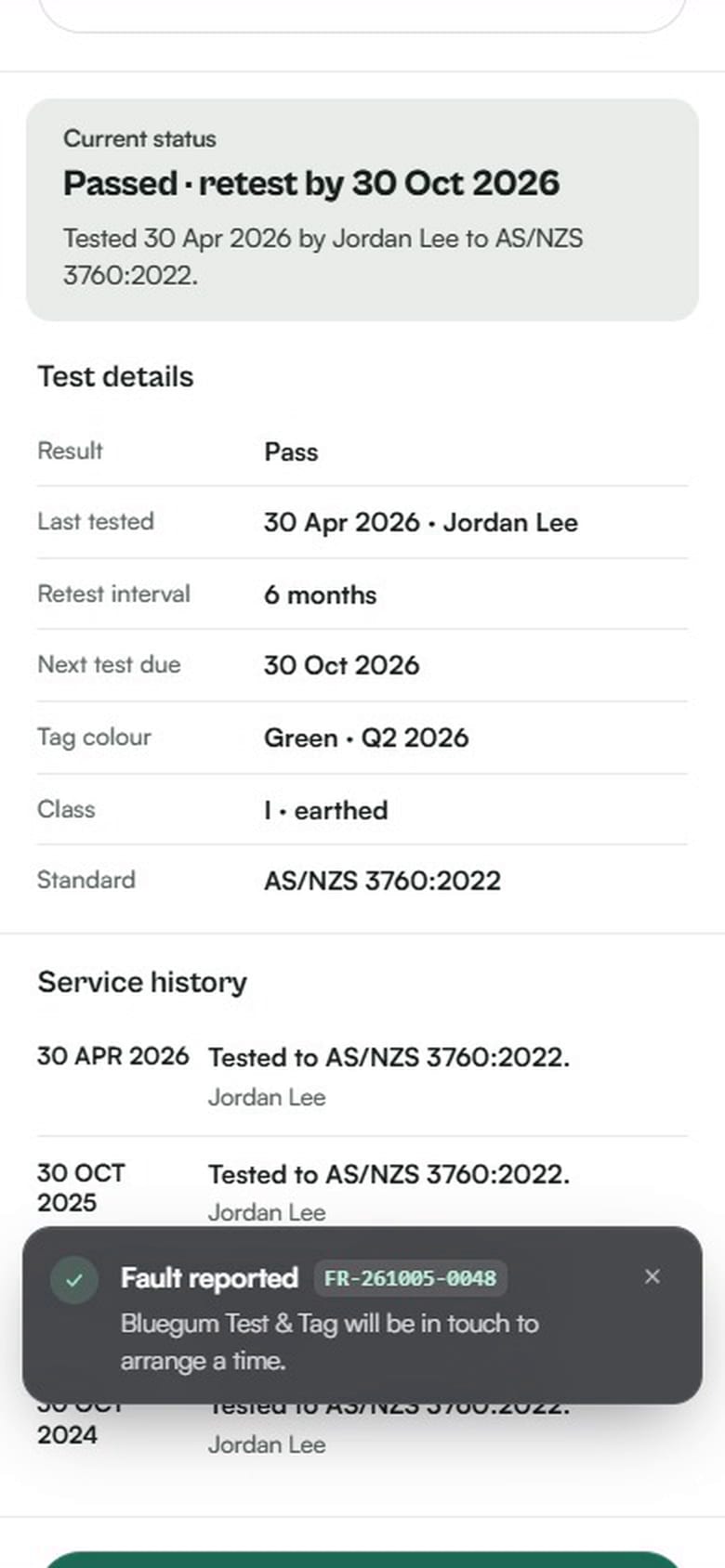
How a client reports a faulty item in their Koalaris portal: pick the fault, mark how urgent it is, add a photo and send. You see it straight away in Requests.
How it works
When a client spots a problem, like a damaged lead or a cracked plug, they don't need to call or email. They report it from their own portal, on their phone or computer.
- Find the item. Open the register and search for it (here, "dryer").
- Tap Report a fault.
- Pick what's wrong: not working or no power, damaged lead, plug or cable, battery not holding charge, unsafe (noise, heat or smell), tag or label missing, or other.
- Say how urgent it is: routine, urgent or safety risk.
- Add details and a photo (both optional). They can type or dictate the details.
- Send. They get a reference number straight away.
What you see
The report lands in Requests with the item, the fault, the urgency, the notes and the photo, so you can arrive with the right parts. Close it once it's dealt with.
The recording uses our demo business. The client is a fictional aged care provider, and the photo is an illustration.

See your register the way Lyra sees it.
Start a 14-day free trial of Pro. No card needed.