Getting started · Beginner
Import your spreadsheet with Lyra AI
Bring an existing register across in minutes. Lyra AI matches your columns and you check every match before anything is imported.
What you will need
- Your register as an .xlsx, .xls or .csv file, one client per file
- A client to import into (you can add one on the way)
Steps
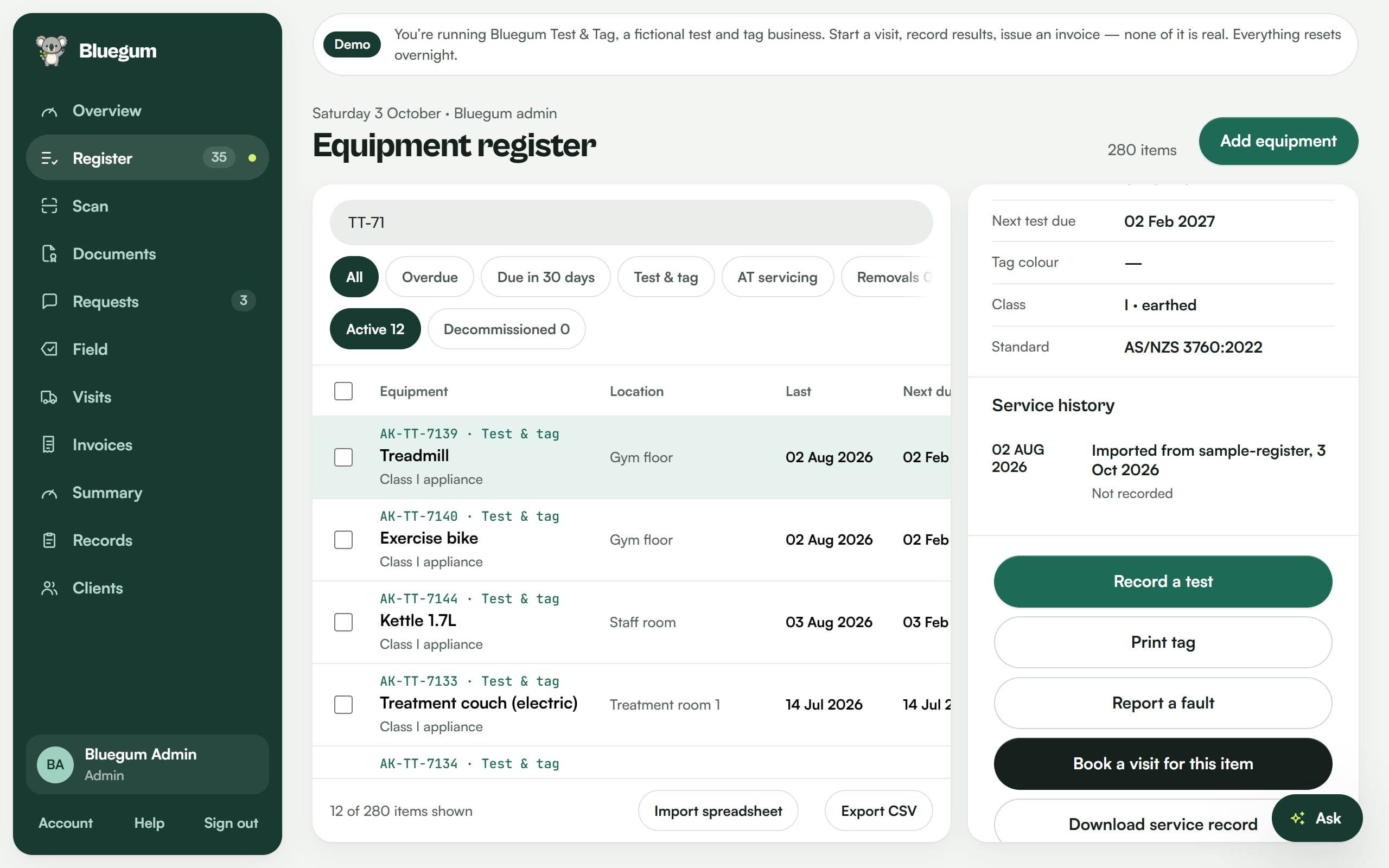
- Open the Register and choose Import.
- Pick the client and drop in your file.
- Lyra AI matches each of your columns to a register field. In this recording, a deliberately messy 12-row file has all 13 columns matched.
- Check each match. Change any that are wrong, or skip columns you do not need.
- Import. The new items appear in the register straight away.
Tips
- Starting from scratch? Use the free register template.
- Read the full guide: How to move your test and tag register off spreadsheets.

See your register the way Lyra sees it.
Start a 14-day free trial of Pro. No card needed.