Getting started · Beginner
Find any item in the register
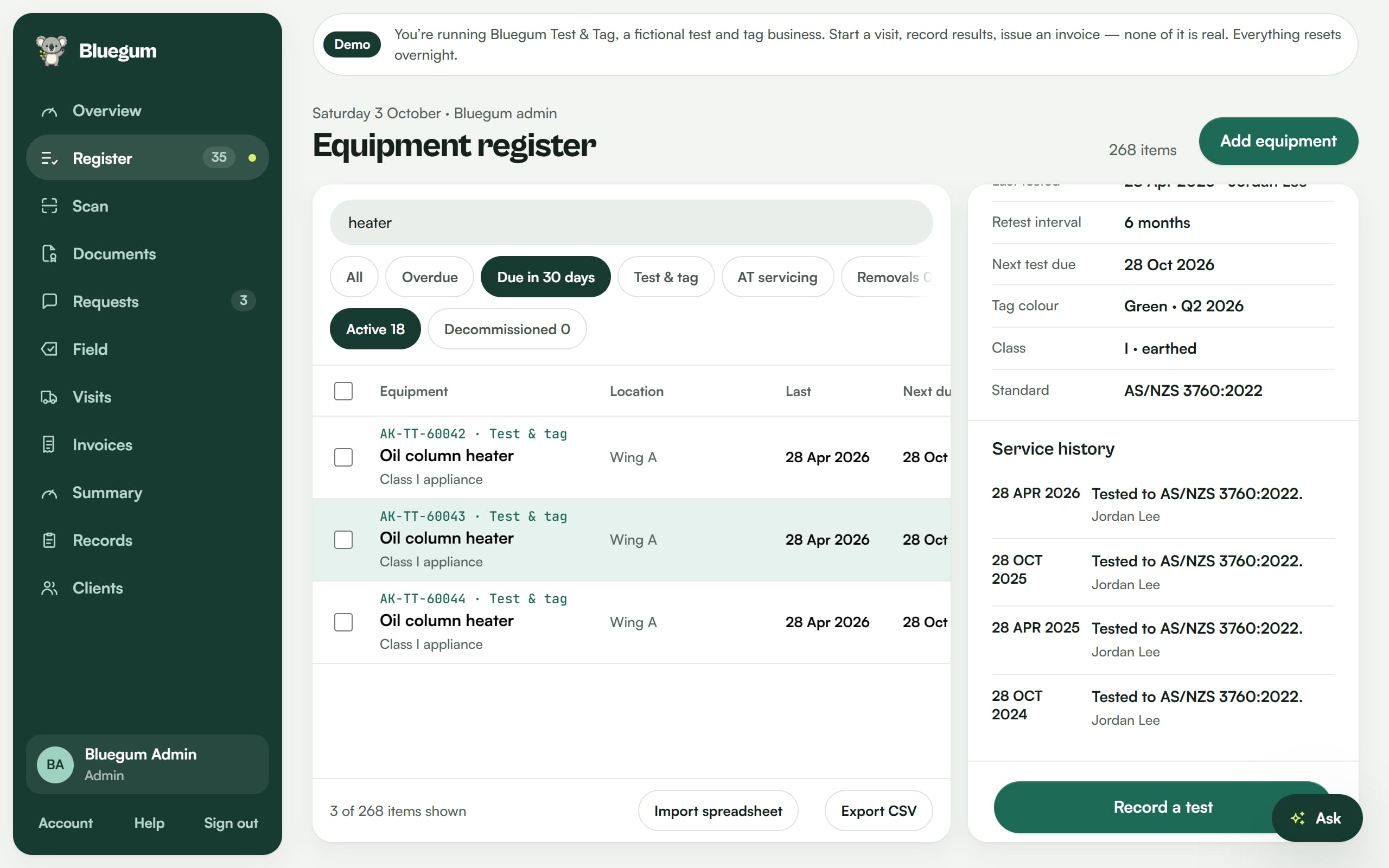
Search, filter by what is due in the next 30 days, and open an item to see its full service history.
Steps
- Open the Register.
- Type in the search box. In this recording we search for "heater".
- Use the filters to narrow it down, for example Due in 30 days.
- Open an item to see its details and scroll its history.
Tips
- Status pills show at a glance what is overdue, due soon and in date.
- Export the register to CSV at any time.

See your register the way Lyra sees it.
Start a 14-day free trial of Pro. No card needed.