In the field · Beginner
Log a test in the field app, even offline
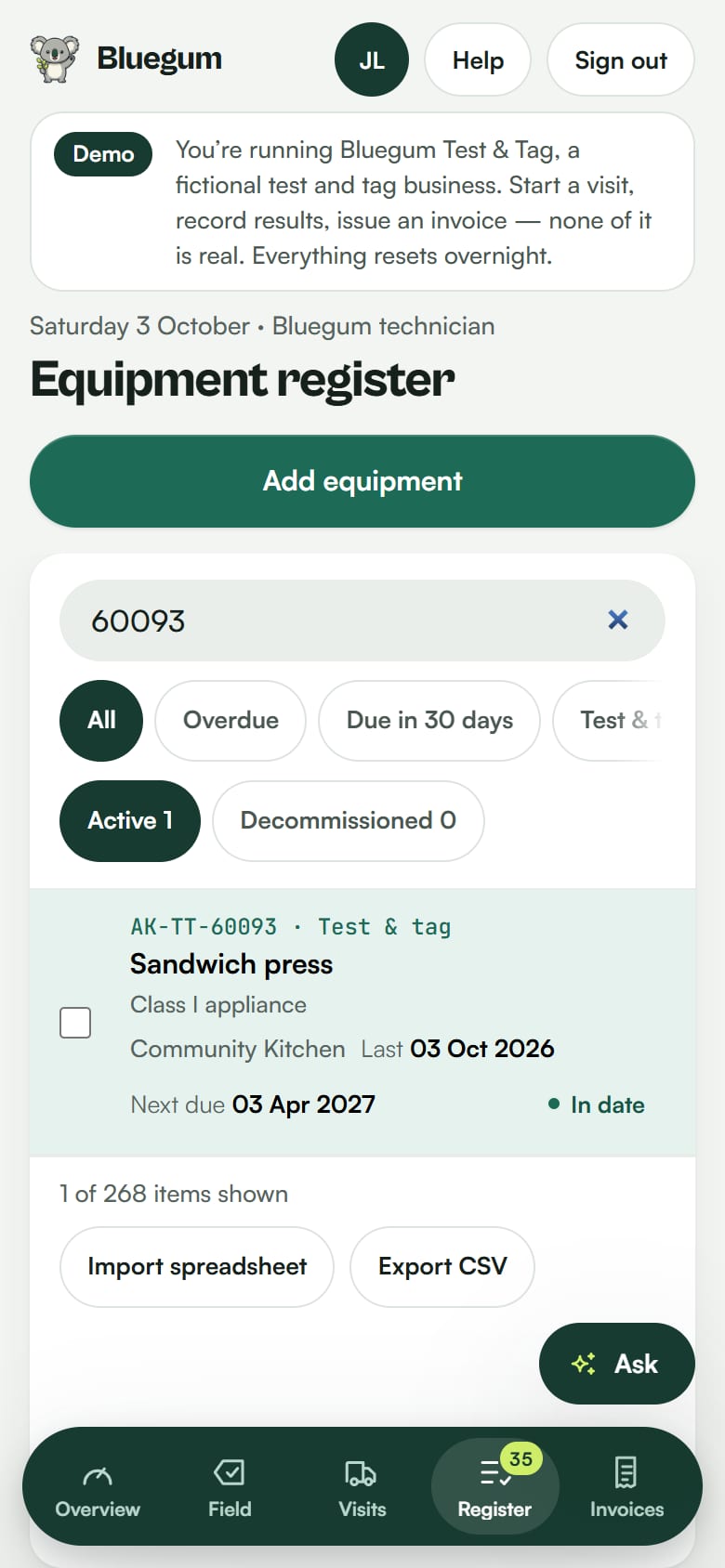
Open a downloaded site, record a test on an overdue item and watch it sync back to the office register.
Before you go
Open the field app on your phone and download the site you are visiting. Everything you need is then on the phone, so it works with no signal.
Steps
- Open the downloaded site.
- Tap Scan tags and point the camera at the item's tag. The item opens, ready to test. (You can also find it by code or name.)
- Do your inspection and enter your readings.
- Tap Pass or Fail. You always choose the result.
- The test is saved on the phone and syncs when you are back in range. The register shows the item in date.
Good to know
- The camera stays on after you save, so you can scan the next tag straight away.
- Photos are compressed on the phone and stored privately.
- Assistive technology rounds can be recorded in bulk.

See your register the way Lyra sees it.
Start a 14-day free trial of Pro. No card needed.