Outgrowing SwiftPAT? When a test and tag business needs more than a phone app
SwiftPAT is a quick, low-cost Android app for solo testers. When you add staff, clients or invoicing, here's what changes and how to bring your records across.
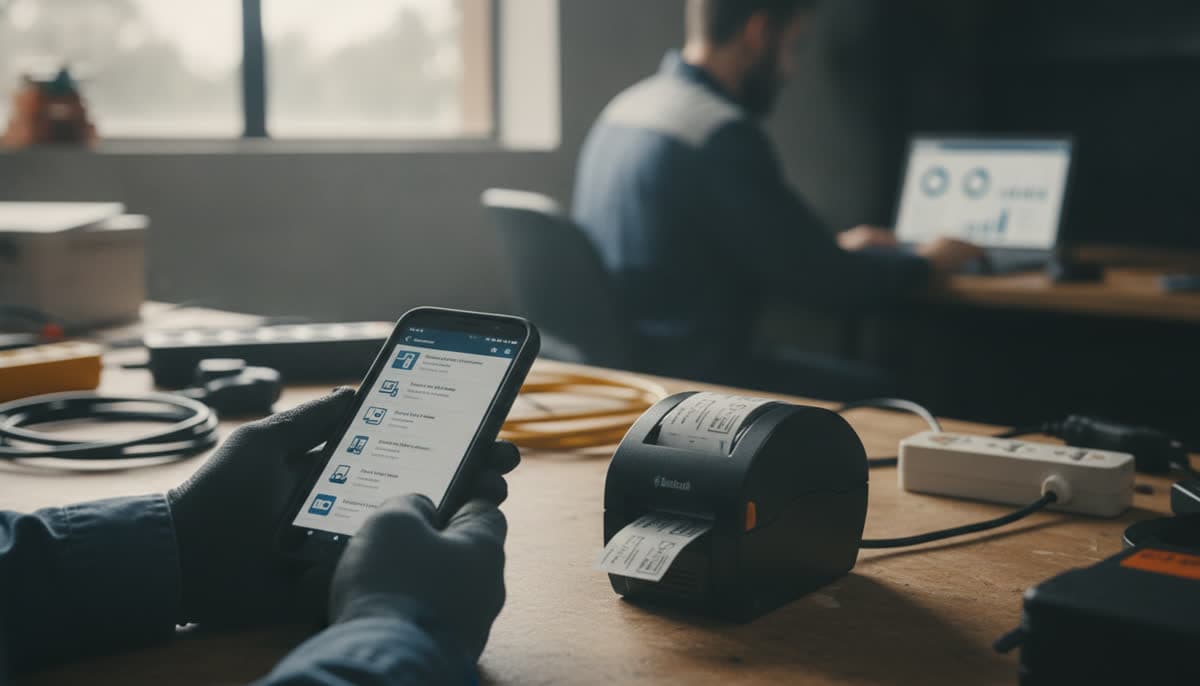
SwiftPAT is a good app. It's an Android test and tag app built for testers in Australia and New Zealand. It works offline with no account and prints tags over Bluetooth. Quick Mode records a pass and prints the tag the moment it reads a QR code. The free version has no record limit, and Pro is A$69.99 a year at its introductory price. For one person with one phone, that's hard to beat.
So this isn't a "SwiftPAT is bad" post. It's for the point many test and tag businesses reach: a second tester starts, a client wants to see their own register, or invoicing takes longer than the testing. At that point the question changes from "how fast can I tag?" to "how do I run the business?"
When SwiftPAT is still the right choice
If you work alone, keep your records on one Android phone, and send clients a PDF report when the job's done, SwiftPAT does that well. Stay with it.
Keep reading if two or more of these sound familiar:
- Someone else is testing too. You want both of you working from the same register, at the same time, on different sites.
- The register lives on one phone. SwiftPAT keeps records on the device and says it can't see them. That's private, but it also means you're in charge of backups. Lose the phone without a recent export and the records go with it.
- Clients keep asking for their records. Every "can you send our register again?" is another report to make and email.
- Invoicing happens somewhere else. The test data is in one app, the invoice in another, and chasing payment in a third.
- Someone on the team uses an iPhone. SwiftPAT runs on Android phones and tablets. It doesn't have an iPhone version yet.
SwiftPAT and Koalaris side by side
These are different kinds of tools. SwiftPAT is a tagging app for one device. Koalaris is test and tag software for running the whole business: the register, the team, the client and the invoice. Here's how they compare, using what each company says on its own website.
| SwiftPAT | Koalaris | |
|---|---|---|
| Price | Free, or Pro at A$69.99 a year (introductory) | From $29 a month (Solo), $79 (Pro), $199 (Business) |
| Devices | Android phones and tablets | Any web browser: iPhone, Android, tablets and computers |
| Works with no signal | Yes, no account needed | Yes, download a site before you go |
| Where records live | On the phone, backed up by exporting | Online, so every device sees the same register |
| Office computer | Free Windows Desktop app, synced over Bluetooth or Wi-Fi | Any browser, nothing to install |
| More than one tester | Not mentioned on SwiftPAT's website | 1, 5 or 15 team seats, depending on plan |
| Client access | Reports shared by email or another app | Free client portal for every client |
| Invoices and card payments | Not mentioned on SwiftPAT's website | Invoices, and card payments by QR code |
| Tag printers | Zebra ZQ520 or ZQ521, Godex RT200, over Bluetooth | The same printers over Bluetooth, plus any label printer through the print dialog |
| Reports | PDF and Excel, detailed or summary | Certificates, visit reports and a full audit pack per client |
If you're comparing on price alone, SwiftPAT wins. Koalaris costs more because it also does the parts of the job that happen after the testing.
What changes when the register moves online
Everyone works from one register. Two testers can work different sites on the same day. When their phones are back online, every result lands in the same place. There's no syncing to a PC at the end of the day.
Clients look up their own records. Each client gets a free portal with their register, test history and certificates. A facility manager can check what's due without emailing you, and report a faulty item with a photo.
The invoice comes from the work. Koalaris builds the invoice from the items you tested, using your own price list. The client can pay by card on their own phone from a QR code you show them on site.
Backups aren't your job any more. Records are stored online, so a lost or broken phone doesn't take the register with it.
Lyra AI handles the admin. On the Pro and Business plans, Lyra AI reads rating plates, drafts service reports from your notes, and writes compliance summaries for clients. See everything Koalaris does for test and tag businesses.
Moving your SwiftPAT records across
SwiftPAT makes Excel reports, and Koalaris imports Excel files. So you can bring your records across without retyping them.
Step 1: Make an Excel report for each client
In SwiftPAT, make a report for the client and choose Excel as the format. A few things worth knowing:
- Set the date range yourself. SwiftPAT's Auto range covers only the last two weeks. Choose Manual and pick a range that covers every test you want to bring across.
- Choose the detailed report rather than the summary, so you bring across as much as you can.
- One client per file. Name each file after the client, for example
Riverside Cafe.xlsx.
Step 2: One file per site
Koalaris imports a file into one client's site at a time. If a client has more than one site, open the report in Excel, filter by site and save each site as its own file. A client with a single site needs nothing extra.
You don't need to rename columns, delete the title rows at the top, or reorder anything.
Step 3: Import into Koalaris
In Koalaris, open the Register, choose Import, pick the client and site, and drop in the file.
Koalaris reads the column names and matches each one to a register field: appliance ID, description, location, test date, result, next due date, and the earth, insulation and leakage readings. On the Pro and Business plans and in the free trial, Lyra AI does the matching. You review every match before anything is imported, and you can change or skip any column.
A few things happen for you:
- Locations become rooms. Any that don't exist yet are created.
- Repeat tests are folded together. If an appliance appears once per test, Koalaris keeps its latest test.
- Retest intervals are worked out from the dates. A test on 15 August with the next test due 15 February comes in as six-monthly.
- Class comes from the readings where the file doesn't say. An item with an earth reading comes in as Class I.
If a file doesn't come in cleanly, send it to us and we'll load it for you.
Watch the two-minute import tutorial.
Step 4: Check, then switch over
Open three or four imported items and compare them with SwiftPAT: appliance ID, description, last test date, result and next due date. If they match, that client is done.
Then make a clean cut:
- Keep your SwiftPAT reports and export files somewhere safe. They're your record of past work.
- Stop recording new tests in SwiftPAT. Two registers always drift apart.
- From the next visit, test straight into the Koalaris field app on your phone, even with no signal.
Can I keep my tag printer?
Yes. Koalaris prints straight over Bluetooth to the same printers SwiftPAT supports: a Zebra ZQ520 or ZQ521 (100 × 50 mm tags) or a Godex RT200 (99 × 43 mm tags). It works from Chrome or Edge on Android, Windows or a Mac. A Brother or any other label printer works through the print dialog, including on an iPhone.
Each tag has the item's asset code and a QR code. Scan the tag and the item's record opens.
Common questions
Is Koalaris as quick in the field as SwiftPAT?
SwiftPAT's Quick Mode is built for speed, and for pure tagging it's very fast. Koalaris records a result for each item with its readings, and AS/NZS 3760 needs each item tested on its own, so there's no bulk "pass all". Most of the time Koalaris saves comes after the test: certificates, invoices and client updates are done when you leave the site.
Will I lose my test history?
No. Each item comes across with its last test date, result and readings, and its next due date. Keep your SwiftPAT reports as your archive of older tests. From the switch onwards, every test adds to the item's history automatically.
Do I need a different tester?
No. Like SwiftPAT, Koalaris works with whatever portable appliance tester you already use. You enter the results in the field app as you test.
Does it work in New Zealand?
Yes. Choose New Zealand when you sign up and your invoices are in NZ dollars with 15% GST, and clients pay by card into your own NZ Stripe account. See test and tag in New Zealand.
What does it cost?
Plans start at $29 a month for a solo tester, with 1 team seat. Pro is $79 a month with 5 seats and Lyra AI, and Business is $199 a month with 15 seats. Every plan includes the free client portal. Start with a 14-day free trial and try the import on your own SwiftPAT report before paying anything. See pricing.
Ready to see your own records in a shared register? Start a free trial, no card needed, and import your first SwiftPAT report today.
SwiftPAT is a product of Tim Tech Studios. Koalaris is not affiliated with or endorsed by SwiftPAT or Tim Tech Studios. SwiftPAT details are taken from swiftpat.com.au as of October 2026.

Koalaris is test and tag software built in Australia. See what it does.
Keep reading
 How-to
Looking for a PATGuard alternative? How to move your test and tag records
Thinking of leaving PATGuard? How to export your test and tag records to CSV, import them into a new register without retyping, and what to check first.
 Guides
How often does equipment need testing and tagging? A plain-English guide
Re-test intervals for test and tag in Australia, explained simply: what sets them, typical intervals by environment, and how to keep track of every due date.
 How-to
How to move your test and tag register off spreadsheets
A step-by-step guide to moving your test and tag records from Excel into a live register, without losing history or retyping a thing.
See your register the way Lyra sees it.
Start a 14-day free trial of Pro. No card needed.