In the field · Beginner
Add a new item by reading its rating plate
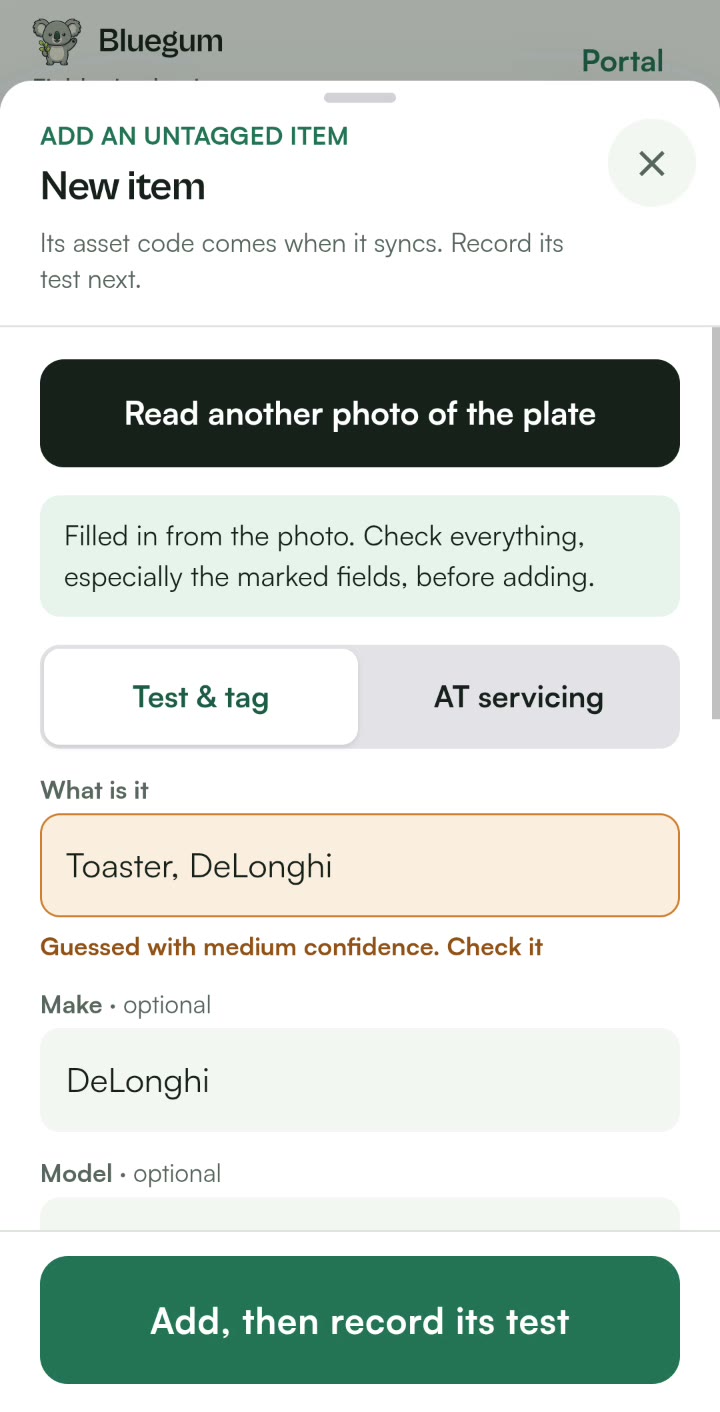
Take a photo of the rating plate and Lyra AI prefills the new item. You confirm every field before it is saved.
Steps
- In the field app, choose to add a new item.
- Take a photo of the rating plate.
- Lyra AI reads it and prefills the make, model, serial number and ratings.
- Check every field and fix anything it got wrong.
- Record the test and print the tag.
Good to know
- Lyra AI never sets pass or fail. You do.
- Rating plate reading is included on the Pro and Business plans.

See your register the way Lyra sees it.
Start a 14-day free trial of Pro. No card needed.