Test and tag retest reminders: managing rebookings across many clients and sites
How to run test and tag retest reminders across many clients and sites: due dates per item, a monthly look-ahead, timed contact, grouped visits and spam rules.
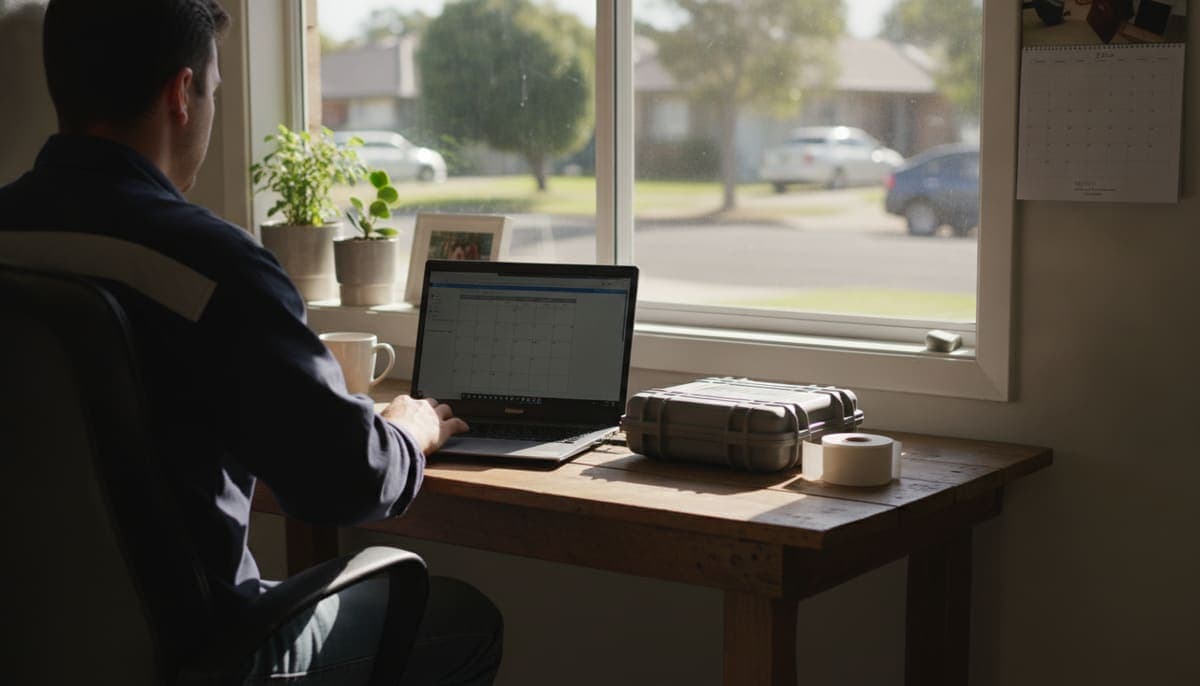
Test and tag retest reminders work when they come from your records, not your memory. Every tested item already has a next due date. If you can see those dates by client and site a couple of months ahead, contact each client before their equipment falls due, and book visits by area, retests stop slipping and the work comes back on its own schedule.
This guide is for operators with more than a handful of clients. It covers where the due dates come from, how to see what's coming, when and how to contact clients, multi-site clients, and what Australia's spam rules mean for reminder emails and texts.
General information only, not legal advice. Check the current edition of AS/NZS 3760 and your state or territory regulator for the rules that apply to your clients.
Why retests slip
Most missed retests aren't lost to a competitor. They're lost to nobody remembering:
- Due dates live in too many places. On the tags, in last year's PDF report, in a diary, in a spreadsheet tab per client.
- One client has several cycles. A workshop's power tools, its office computers and a construction trailer can all fall due at different times. The intervals are explained in our test and tag frequency guide.
- The contact person changes. The office manager who booked you last year has left, and nobody else knows you exist.
- You're busy. The months when you most need to plan ahead are the months you're on site every day.
The fix is a simple system you run the same way every month.
Step 1: Keep one next due date per item
Start with the record itself. In workplaces where the testing duty applies, the record must show who tested the item, the test date, the outcome and the date on which the next testing must be carried out (SafeWork NSW). The record can be the tag, but a tag on a kettle in someone else's building is no use to you for planning.
So keep your own register with:
- every item, its site and its location on the site
- the date it was last tested and the result
- the next due date, worked out from the interval for that environment
- the client contact who books the work
A due date per item, not per client, matters. If you only record "Client X, due March", the items on a three-monthly cycle get missed. Clients with mixed equipment usually need two or three visits a year, not one.
If your register is still a set of spreadsheets, our guide to moving a test and tag register off spreadsheets covers what to bring across and how.
Step 2: Look two to three months ahead, every month
Pick one day a month, say the first Monday, and look at everything falling due in the next two to three months, grouped by client and site.
For each client, note:
- how many items fall due and when
- whether it's the whole site or a short cycle (like construction leads)
- anything overdue that wasn't caught last time
Two to three months is a practical window, not a rule. It gives clients time to fit you in, and gives you time to plan your weeks. Larger clients with fixed shutdowns or after-hours access may need longer.
Step 3: Contact clients before the due date
Contact each client a few weeks before their earliest due date. Four to six weeks suits most businesses: early enough to book a quiet day, late enough that it doesn't get forgotten.
Keep the message short and specific:
Hi Sam, 42 items at your Northside workshop are due for retest in March, including the hand tools on the three-monthly cycle. Would the week of 9 March suit? We can come before opening so the team isn't held up.
What makes it work:
- Numbers and a site name. "Your test and tag is due" reads like spam. "42 items at Northside" reads like someone who knows their business.
- A proposed time. Offer a week, not an open question.
- One follow-up. If there's no reply after a week, call. A phone call often reaches the new contact person the email missed.
If the client says no, record it and the reason. "Moved to another provider" and "closing that site" need different follow-ups.
Step 4: Group visits by area and month
Once you know what's due, book visits so one trip covers several jobs. Two small clients in the same suburb on the same morning cost you far less in travel than two separate trips. That's where good retest scheduling pays for itself, and it changes what small clients are worth to you, which is one reason many operators set a minimum charge per visit.
A simple routine:
- List next month's due clients by suburb or region.
- Offer clients in the same area the same day or week.
- Put larger sites on days with nothing else nearby.
- Leave some slack for the short-cycle sites, which can't move far.
Step 5: Book the next visit before you leave
The easiest reminder is the one you don't need to send. When you finish a visit, tell the client when the next items fall due and pencil in a time. Put it in both calendars and confirm it a few weeks out. This is the habit that keeps a client rebooking year after year, as covered in our guide to finding and keeping test and tag clients.
Clients with several sites
Multi-site clients, such as a childcare group, a franchise or a disability service provider with several houses, need a little more care:
| Situation | What to do |
|---|---|
| One head-office contact books every site | Send one message listing each site, its item count and due month |
| Each site books its own visits | Keep a contact per site and remind each one separately |
| Sites fall due in different months | Ask whether they'd like to line them up into one testing run |
| Head office wants proof across all sites | Give them a way to see due and overdue items for every site |
Lining sites up can save everyone time, but don't stretch an interval to do it. Bring a site's retest forward to join a run, never later than its due date.
Reminder emails, texts and the Spam Act
A retest reminder that offers to book paid work can count as a marketing message under the Spam Act 2003. The Australian Communications and Media Authority (ACMA) says marketing emails and messages need:
- Consent. Express consent is best practice, such as the client agreeing when they book. Consent can sometimes be inferred from an ongoing relationship where the message is directly related to it, but ACMA says inferred consent is less reliable, and it's up to you to prove you had consent.
- Identification. Your name or business name and correct contact details.
- An easy way to unsubscribe, honoured within 5 working days.
The simplest approach is to ask for consent on your booking form or when you finish the first job ("Can we remind you when your equipment is next due?"), note who agreed and when, and include your business details and an opt-out line in every reminder.
Who is responsible for the retest?
You are not legally responsible for remembering your client's retest. Under the WHS regulations, the duty to have plug-in equipment in higher-risk environments regularly inspected and tested sits with the business that runs the workplace (SafeWork NSW). But a reminder is good service and the main way repeat work comes back, so treat it as part of the job rather than a favour.
Running retests in Koalaris
We built Koalaris so the due dates take care of themselves. Each test you log in the field app updates the item's next due date in the register. You can filter any client's register by overdue, due soon or in date. The compliance overview shows the year ahead across every client, so you can plan visits weeks ahead (see how the register and overview work). Clients get a free portal where they check their own equipment and due dates. You can also ask Lyra AI questions such as "which clients are due next month?".
Every business starts on the Free plan, with no card and no end date. Free covers the register, the offline field app, tags, certificates and the client portal.
Frequently asked questions
How far ahead should I remind clients about a retest?
Four to six weeks before the earliest due date suits most clients. Plan your own schedule two to three months ahead, and give large or after-hours sites more notice.
Should I track due dates per item or per client?
Per item. One client can have equipment on different intervals, so a single "due in March" note will miss the short-cycle items.
Can I email clients a retest reminder without asking first?
It depends on consent. ACMA treats marketing messages as needing express or inferred consent, plus sender details and an unsubscribe option. The safest path is to ask for consent when the client books and keep a record of it.
What if a client doesn't reply to a reminder?
Follow up once by phone after about a week. If the contact has changed, find the new one. If they've moved on or closed the site, record it so it doesn't come up again next month.
Can I move a site's retest later to group it with other sites?
No. Bring retests forward to join a run if that helps, but don't push an item past its due date. The interval for that environment sets the latest date.

Koalaris is test and tag software built in Australia. See what it does.
Keep reading
 Compliance
Test and tag colours: what they mean and what a tag must show
What test and tag colours mean, whether colour coding is required, and what details a test tag must show in NSW, WA, QLD and on construction sites.
 Compliance
Test and tag requirements in WA: what the WHS laws say
Is test and tag mandatory in WA? What the WHS (General) Regulations 2022 require, WorkSafe WA's suggested intervals, who can test, RCDs and records to keep.
 How-to
Metrel ES Manager export: getting your test and tag records into a cloud register
How to export test and tag records from Metrel ES Manager to Excel, what the Basic and Pro exports contain, and how to bring them into a cloud register.
See your register the way Lyra sees it.
Start free, for as long as you like. No card needed.